
Learn Teradata through a sequence of practical articles. Start with SQL and table design, then choose performance tuning, operations and loading, or migration to Snowflake. Each path below explains what to read next and what you should be able to do afterward.
Start here: SQL basics
For analysts and developers who want to query Teradata and understand the tables they use. Read in order if you are new to the platform.
- Connect and run your first query with SQL Assistant — establish a working connection and inspect a result set.
- Choose Teradata data types — understand the types before converting or comparing values.
- Create SET and MULTISET tables — distinguish duplicate rows, business keys, and primary indexes.
- Understand Teradata joins — combine tables and consider unmatched rows.
- Extract text with SUBSTRING and SUBSTR — use positions, lengths, and delimiter-based extraction.
- Format and convert dates — keep typed dates separate from their display format.
Practice: connect to a development system, query a small dataset, join two tables, and explain how a duplicate source row changes the result.
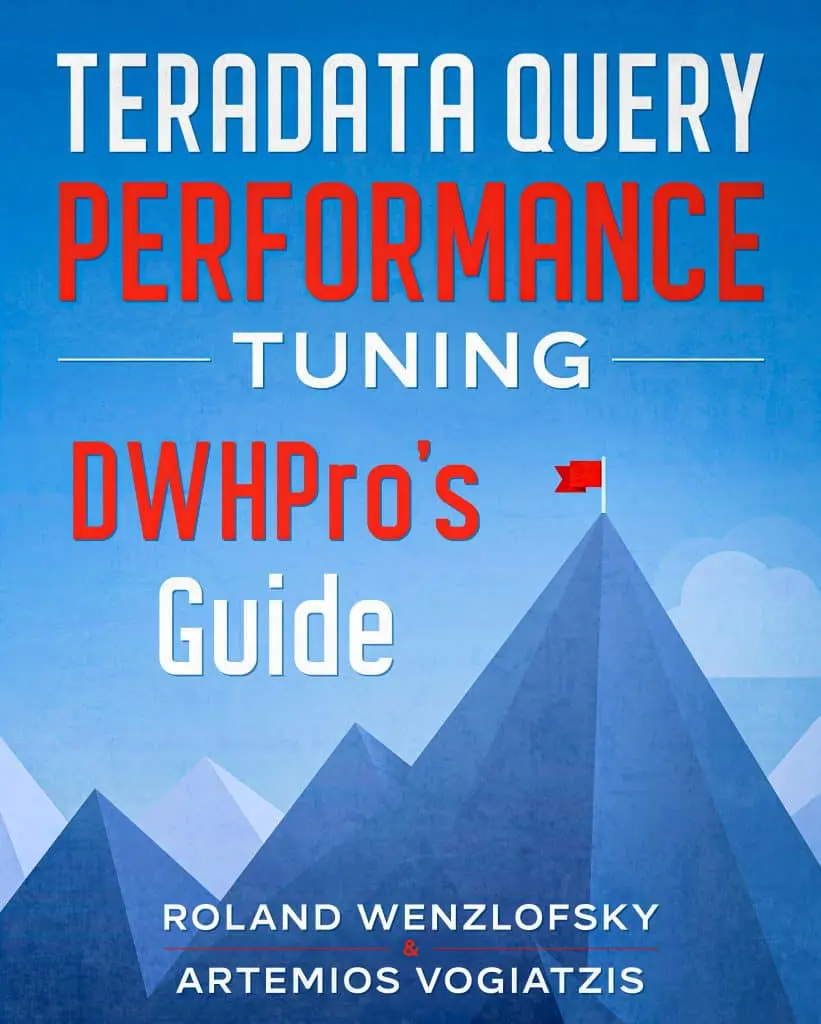
Get the complete Teradata tuning book, free
Teradata Query Performance Tuning: The DWHPro Guide
By Roland Wenzlofsky & Artemios Vogiatzis
206 pages on statistics and demographics, access paths and indexes, query execution plans, and joins. Get the full PDF and practical Teradata updates from DWHPro.
Confirm your email to receive your download link. Privacy policy. Unsubscribe in any newsletter.
About the free bookPerformance tuning
For engineers diagnosing slow SQL, skew, or spool failures. Start with evidence from the plan and workload before changing indexes or adding capacity.
- Read an EXPLAIN plan — identify access paths, redistribution, joins, and row estimates.
- Understand statistics and cardinality estimation — investigate missing or misleading optimizer information.
- Review physical design — connect data models, primary indexes, and partitioning to workload behavior.
- Work through query rewriting examples — reduce unnecessary work while preserving results.
- Investigate skew and diagnose spool-space failures — distinguish uneven work from total-space pressure.
- Evaluate compression and space management — consider the storage, I/O, and CPU trade-offs.
Practice: capture a baseline, make one justified change, compare the plan and resource use, and verify the query returns the same business result.
Administration and loading
For engineers responsible for repeatable loads and stable operation. Use a development environment for examples that create objects or change data.
- Read the internals and operations guide — understand workload flow, logging, and operational context.
- Understand locking — relate concurrency and isolation to application behavior.
- Use BTEQ for scripted SQL — learn batch execution and error handling.
- Learn FastLoad fundamentals and understand MultiLoad — compare their intended use and restrictions.
- Inspect query logging with DBQL — gather evidence for workload diagnosis.
Practice: document a load’s prerequisites, expected row counts, error handling, and restart procedure before scheduling it.
Migration to Snowflake
For architects and engineers evaluating or delivering a move. Separate SQL conversion from validation, operational readiness, and cost assessment.
- Compare Teradata and Snowflake architecture — understand which design assumptions change.
- Review UPDATE and DELETE behavior — examine platform differences that matter to transformations.
- Understand why Snowflake migration costs differ — connect workload design to consumption.
- Explore Teradata-to-Snowflake migration services — review assessment, validation, and cutover deliverables when you need delivery support.
Practice: select a representative workload and define source-to-target reconciliation, performance, and cost acceptance criteria before scaling the migration.
Function and SQL reference
Use these focused articles when you need a specific operation:
- Convert values with TO_CHAR
- Handle NULL values with COALESCE
- Work with numeric functions
- Split delimited text into rows
- Trim unwanted characters
- Review common SQL statements
How to use these guides
Teradata SQL combines standard SQL with platform-specific features. Syntax, client behavior, and feature availability can depend on your database release and session settings. The articles link to deeper references where needed; validate changes on representative data before using them in production.
Need help with query performance or platform costs?
Diagnose plans, skew, spool pressure and expensive workloads. Agree a baseline and acceptance criteria before making changes.
Get the complete Teradata tuning book, free
Teradata Query Performance Tuning: The DWHPro Guide
By Roland Wenzlofsky & Artemios Vogiatzis
206 pages on statistics and demographics, access paths and indexes, query execution plans, and joins. Get the full PDF and practical Teradata updates from DWHPro.
Confirm your email to receive your download link. Privacy policy. Unsubscribe in any newsletter.
About the free book