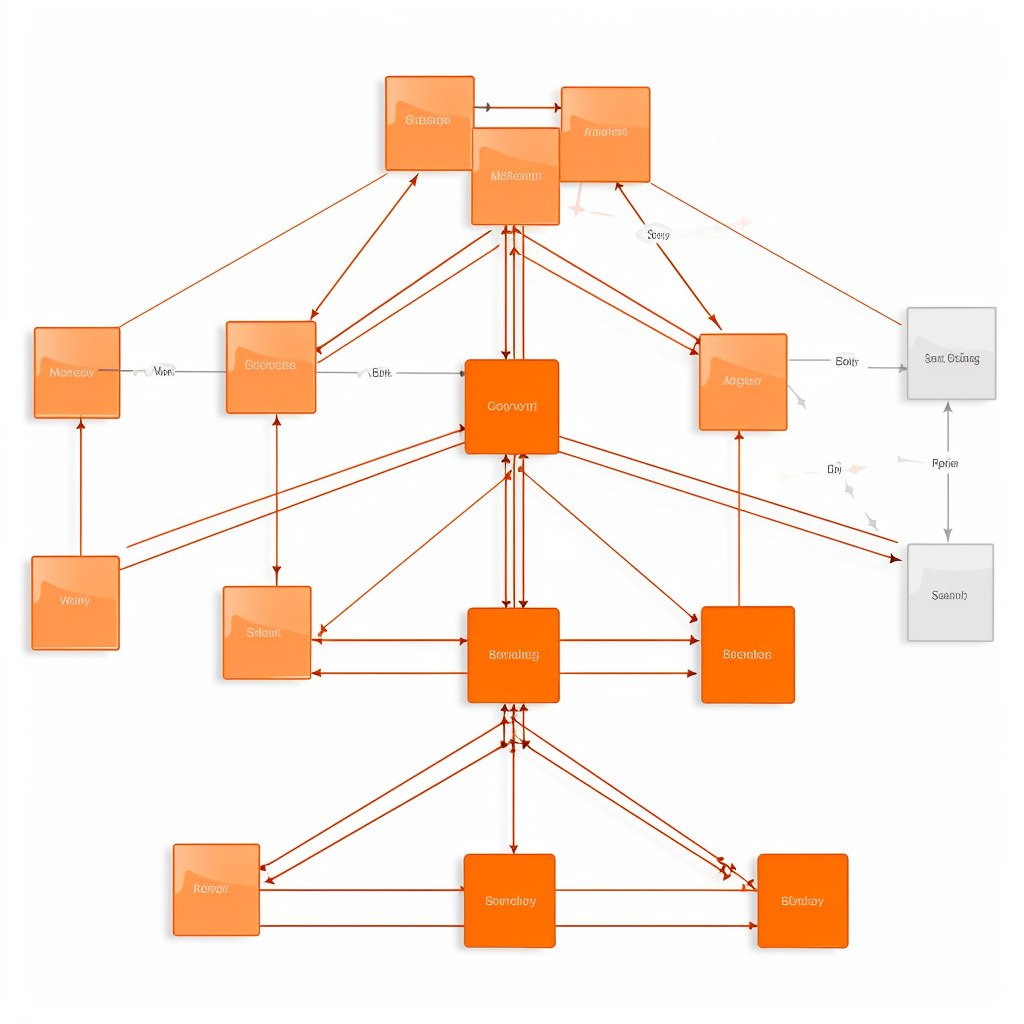
Optimizing Teradata’s performance can be a time-consuming and unpredictable task. Therefore, gaining a comprehensive understanding of the optimization areas is advisable before initiating any activities.
As a lead on various performance optimization initiatives over the past decade, I have amassed extensive experience and expertise. I consistently stress the importance of precisely understanding the desired outcomes.
Unclear goals hinder consensus on accomplishments among all participants.
I frequently encountered comments such as “This query lacks speed” or “This report’s performance is subpar” throughout my career. It is crucial to avoid implementing an excessively strict performance optimization plan, as it often results in confusion and unproductive debates. As a performance analyst, your responsibility is to identify practical solutions and persuade clients to trust and maintain them throughout the project’s progression.
What Measures Should We Use?
What measures do we have? For your client, the only practical measure is likely runtime.

Get the complete Teradata tuning book, free
Teradata Query Performance Tuning: The DWHPro Guide
By Roland Wenzlofsky & Artemios Vogiatzis
206 pages on statistics and demographics, access paths and indexes, query execution plans, and joins. Get the full PDF and practical Teradata updates from DWHPro.
Confirm your email to receive your download link. Privacy policy. Unsubscribe in any newsletter.
About the free bookI admit that this ultimately matters.
In my experience, run times alone are insufficient. It’s important to note that multiple projects may run on the same Teradata system, causing run times to vary. Furthermore, extensive workload management options are available on a Teradata system, which could result in intentionally blocking your workload. Consider the potential embarrassment if a report you’ve improved gets blocked while presenting it to a client.
Prefer Absolute Measures Over Run Times
I prefer to evaluate CPU and I/O alongside elapsed time, using controlled comparisons on comparable systems and data.
I prefer monitoring CPU usage and disk access. Perhaps concentrating on bottleneck-related metrics, such as utility slots, would be more practical. The optimal approach depends on the specific circumstances.
CPU and I/O help explain performance, but they are not environment-invariant absolutes. Hardware, caching, plan selection and concurrency affect results; report them with elapsed time and the test conditions.
Understand the Big Picture First
Prior to commencing any activities, it is important to grasp the overall concept or main idea.
Focus on tackling the areas that offer the most cost-effective improvement opportunities. Don’t allow the client to influence your priorities with statements such as: “This query is slow. You must address it.”
Well-intentioned though they may be, such suggestions are unhelpful. Obtain a clear understanding independently, and do not permit the assumptions of others to lead you astray.
Establish Priorities and Resources
Examine every aspect that has potential for optimization, establish a hierarchy of priorities, and outline the corresponding expenses and resources required. Without limitations on costs and resources, opt for the change with the highest priority. Otherwise, make a decision in accordance with the restrictions.
Conclusion: Always establish a precise understanding of the client’s expectations and a mutually agreed-upon methodology for assessing progress before embarking on any optimization project. Otherwise, you risk getting bogged down in a continuous cycle of improvement efforts or prolonged debates.
The second installment of the performance optimization series will delve deeper into identifying potential areas of enhancement for a standard Teradata Data Warehouse.
Need help with query performance or platform costs?
Diagnose plans, skew, spool pressure and expensive workloads. Agree a baseline and acceptance criteria before making changes.
Get the complete Teradata tuning book, free
Teradata Query Performance Tuning: The DWHPro Guide
By Roland Wenzlofsky & Artemios Vogiatzis
206 pages on statistics and demographics, access paths and indexes, query execution plans, and joins. Get the full PDF and practical Teradata updates from DWHPro.
Confirm your email to receive your download link. Privacy policy. Unsubscribe in any newsletter.
About the free book
Hi Roland
I strongly agree with you here.
The statement “Query running very slow” can be misleading. I have seen cases where the query was tuned and when executed it took more time than before.
However, when I checked DBQL logs, I learned there was a reduction of AMPCPU utilization by 30%. The real reason behind more time was the DelayTime. The query was in Delay which actually gave the impression to the client as if it is running and taking more time than before.
Regards
Nitin